
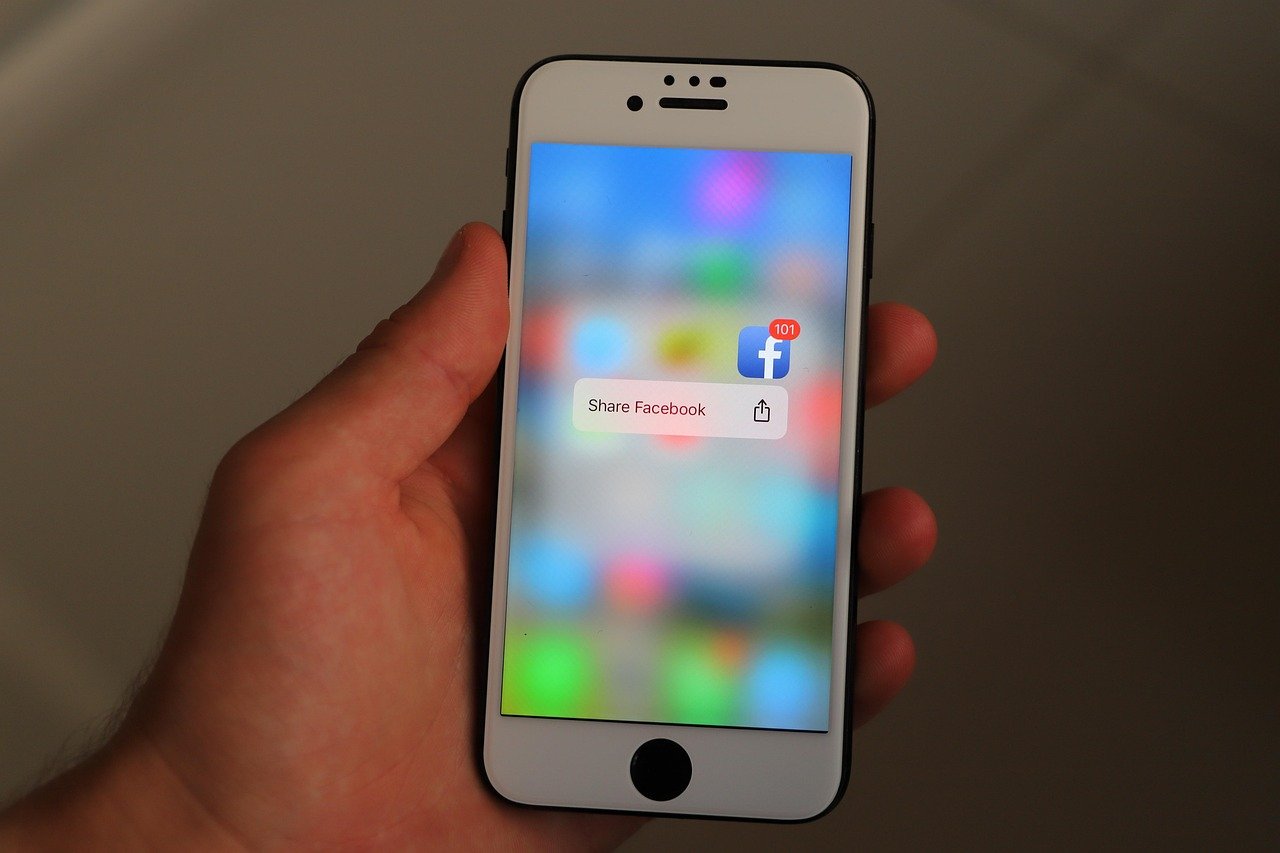

Facebook is joining the passwordless future by introducing passkey support for both iOS and Android users. This major security upgrade replaces traditional passwords with more secure biometric authentication methods like Face ID, Touch ID, or device PINs.
Passkeys offer stronger protection against hackers since they require physical access to your device to log in. The technology eliminates vulnerable password combinations that can be stolen through phishing scams. Facebook confirms the same passkeys will soon work for Messenger too, with Meta Pay payment autofill functionality coming as well.
Setting up a passkey is simple:
1. Open Facebook Settings
2. Navigate to Accounts Center
3. Select the new “Passkey” option
While passkeys will become the recommended login method, traditional passwords will remain as a backup option for devices that don’t support the new technology.
Facebook follows other tech giants like Apple, Google, Amazon and PayPal in adopting passkey authentication. This industry-wide shift toward passwordless login methods reflects growing concerns about online security and the vulnerabilities of traditional passwords.


 By
By